FiveM Animation Creator
A FiveM emote is an animation clip in a .ycd file that a script plays on the ped. This browser tool, free to try, makes one from an FBX, BVH or GLB animation or a video of a person, moves it onto the GTA ped, lets you trim and loop it, and downloads a resource with a command per emote.
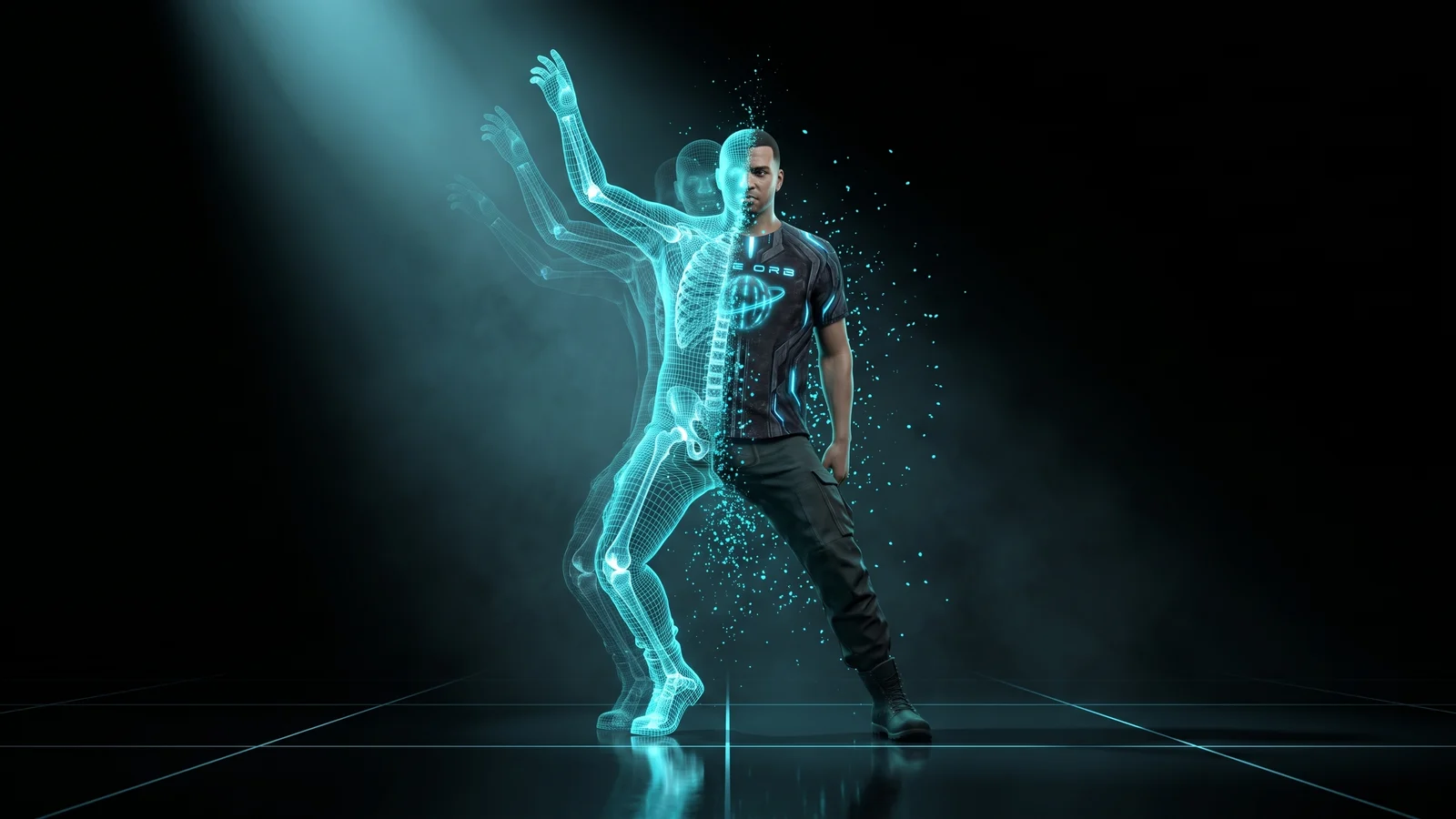
Make custom emotes for your FiveM server without Blender, Sollumz or CodeWalker. Drop an animation from Mixamo, Blender, Cascadeur, Rokoko or a mocap suit as FBX, BVH or GLB, or upload a video of a person or record yourself with your webcam. The skeleton is matched to the GTA ped automatically; you watch it on the male or female freemode ped, trim it, loop it, change the speed, put an object in the hand, and download a resource with a command for each emote and ready config for scully_emotemenu, rpemotes and dpemotes.
How it works
- 1
Drop an animation or a video
FBX, BVH, GLB or glTF from any program, or a video: upload one or record yourself. The video is read on your computer and never uploaded.
- 2
Check it on the GTA ped
The bones are matched to GTA's skeleton for you. Watch it on the male or female ped, switch to relaxed GTA fingers if the file's look stiff, and touch up a part if it needs it.
- 3
Set how it plays
Trim it, change the speed, loop it or hold the last pose, let the player walk while it plays (upper body only), and put up to two objects in the hands, from a beer to a pistol.
- 4
Download the emotes
A resource with the animations in a .ycd, a command per emote and X to cancel. With scully_emotemenu the emotes join its menu on their own; for rpemotes and dpemotes it brings the lines to paste.
Features
Any program, three formats
FBX, BVH and GLB or glTF: what Mixamo, Blender, Cascadeur, Rokoko, iClone and mocap suits export. No file yet? Mixamo has thousands of free animations you can download as FBX.
From a video, no suit needed
Upload a video or record yourself. The person is tracked frame by frame on your computer, hands included. It works best with one person, the whole body in view, a still camera and good light.
On the real GTA ped
You see the emote on the actual freemode ped, male or female, before downloading, so a clip that slides or a wrist that twists shows up here and not on your server.
Ready for your emote menu
Commands and a cancel key out of the box, scully_emotemenu picks the emotes up by itself, and the config for rpemotes and dpemotes comes in the resource. Collect several animations in a pack and download them as one resource.
Why not retarget it in Blender and export with Sollumz
The usual route to a custom FiveM emote is to retarget the animation onto the GTA skeleton in Blender, export a .ycd with Sollumz, and write the Lua that plays it. Each step can fail on its own: bones that do not match, a clip that slides, a dictionary that does not load. Here the retarget, the .ycd and the Lua come from one place, and you see the result on the GTA ped before you download.
- No Blender, Sollumz or OpenIV
- Retargeted to the GTA skeleton for you
- A command per emote and X to cancel
- Config for scully, rpemotes and dpemotes
Frequently asked questions
How do I add a custom emote to FiveM?
Drop the animation file (FBX, BVH or GLB) or a video here, check it on the GTA ped, trim it and name the command, then download the resource. Put it in your resources folder, add ensure to server.cfg, and the command plays the emote.
Can I make a FiveM emote from a video?
Yes. Upload a video or record yourself with your webcam. The person is tracked on your computer, the video is not uploaded anywhere, and the motion goes onto the GTA ped like any animation file. One person, the whole body in view, a still camera and good light give the best result.
Where do I get animations?
Mixamo has thousands for free: pick one, download it as FBX and drop it here. Anything you animate in Blender, Cascadeur or iClone, or capture with a mocap suit, works too as FBX, BVH or GLB.
Does it work with rpemotes, dpemotes and scully_emotemenu?
Yes. With scully_emotemenu running, the emotes join its menu by themselves. For rpemotes-reborn and dpemotes, the resource includes the lines to paste at the end of their animation list. Each emote also has its own command.
Is the animation creator free?
Yes, to try it. Sign in with Discord, no card needed: you get 10 exports your first month and 5 every month after. On any paid plan, exports are unlimited.
More free FiveM tools
FiveM Clothing Creator
Design FiveM clothing on a 3D ped: any GTA V garment, male or female, with your logos, text and colours, then download a resource. Uniforms too. Free to try.
OpenFiveM Tattoo Creator
Make custom FiveM tattoos from any image. Crop it, place it on a body zone, and download a pack your ESX or QBCore tattoo shop can load. Free to try online.
OpenAll FiveM tools
See the full set of free tools in THE ORB Studio.
Built by THE ORB, for FiveM servers
Start free with your Discord login: 10 exports your first month and 5 every month after. Plans make exports unlimited and add credits for AI props and ORBIE's fixes.