GLB to FiveM Converter
A GLB or GLTF model cannot be used in FiveM directly; it has to become a .ydr with textures and collision. This tool, free to try, does that conversion from your browser, optimises the mesh and textures, and packages the result as a resource you drop straight into your server.
Turn a 3D model into a FiveM prop from your browser, with nothing to install: you upload the model and our server converts it with Blender. Drop in a GLB, or a glTF with its .bin and textures, from Meshy, Blender or Sketchfab and get back a .ydr with its textures and collision, packaged as a resource you drop straight into your server. It checks whether the model is too heavy for a server, optimizes the mesh and textures, and does the conversion without you opening Blender, Sollumz or CodeWalker.
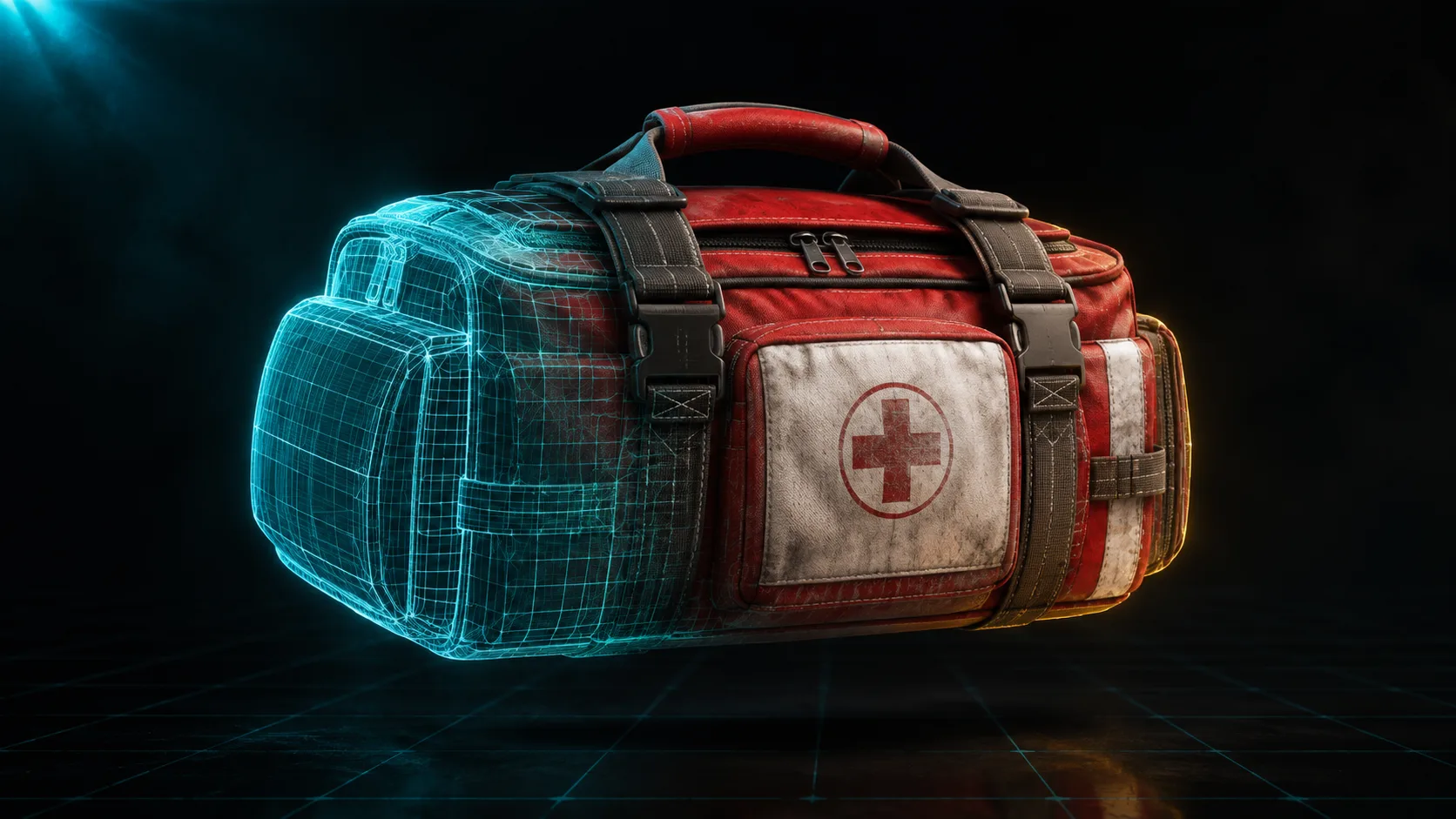
How it works
- 1
Drop in your model
Upload a GLB, or a glTF with its .bin and texture files. Models from Meshy and other AI generators, Blender's glTF export and Sketchfab downloads all work.
- 2
We check and optimize it
The converter tells you if the model is too heavy for a FiveM server, then optimizes the mesh and shrinks the textures so it runs well in game.
- 3
It converts to .ydr
The model is converted to the FiveM .ydr format with its textures and a collision mesh, so the prop is solid in game and not just a floating shape.
- 4
Download the resource
Get a ready to drop FiveM resource. Unzip it into your resources folder, add it to server.cfg and spawn the prop by its name.
Features
GLB and glTF in, a .ydr out
Meshy and most AI generators export GLB, Blender exports glTF, and Sketchfab offers both. FBX and OBJ are not accepted yet: export them to GLB from Blender first.
Tells you if it is too heavy
A model that looks fine in a viewer can tank a server. The converter warns you when the poly count or textures are too heavy before you ship it.
Textures and collision included
The output .ydr keeps its textures and gets a collision mesh, so the prop is solid and looks right in game.
No Blender, no plugins
You upload the model from your browser and our server converts it with Blender and Sollumz. You do not install Blender, Sollumz, CodeWalker or anything else.
GLB to YDR without Blender, Sollumz or CodeWalker
The manual route from a GLB to a FiveM prop means installing Blender, adding the Sollumz plugin, importing the model, setting up materials and a collision, exporting to .ydr, and often round tripping through CodeWalker to check it. Every step is a place to get stuck, and the toolchain is a real barrier if you are not a 3D artist. This converter does the whole path for you on our server, where Blender and Sollumz are already installed: you give it a model and it gives you a working prop, with the heavy or broken cases caught for you.
- No Blender, Sollumz or CodeWalker install
- GLB and glTF in, .ydr out
- Catches models that are too heavy for a server
- Outputs a .ydr with textures and collision
Frequently asked questions
How do I convert a GLB to a FiveM prop?
Upload the GLB to this converter. It checks the model, optimizes the mesh and textures, converts it to the FiveM .ydr format with collision, and packages it as a resource you download and drop into your server. You do not need Blender or any plugins.
How do I convert a GLB to YDR?
A .ydr is the model format FiveM streams for props. Upload the GLB here and our server builds the .ydr with its textures and a collision, plus the .ytyp that registers the model so it can be spawned by name, and packages them as a resource. Blender and Sollumz run on our side, not on your computer.
Is the converter free?
Yes, to try it. Sign in with Discord and the Free plan gives you 10 exports your first month and 5 every month after; each conversion is one export. On any paid plan, conversions are unlimited.
What file formats can I upload?
GLB, or glTF with its .bin and textures. That covers Meshy and other AI exports, Blender's glTF export and Sketchfab downloads. FBX and OBJ are not accepted yet: open them in Blender and export as glTF 2.0 (.glb) first.
Does it add collision to the prop?
Yes. The output includes a collision mesh, so the prop is solid in game and players and vehicles interact with it instead of passing through.
Can I convert models from Meshy or other AI tools?
Yes. Export the model as GLB or GLTF from Meshy or any AI generator and drop it in. The converter also warns you if an AI model is too heavy to use as is.
Do I need Blender or CodeWalker?
No. Your browser checks the model and uploads it, and the conversion to .ydr runs on our server with Blender and Sollumz. You do not install Blender, the Sollumz plugin, CodeWalker or any other 3D software.
My model looks fine but lags the server. Why?
A model can look correct in a viewer while having a very high poly count or huge textures that are expensive to render. The converter flags when a model is too heavy and optimizes the mesh and textures so the prop performs in game.
More free FiveM tools
FiveM Loading Screen Creator
Build a custom FiveM loading screen in your browser. Video background, music, progress bar and tips, then export a ready resource. Free to try with Discord.
OpenFiveM Security Scanner
Scan your FiveM resources for security holes before others find them. Catch client trusted events, SQL injection and leaked keys. Free, runs in your browser.
OpenAll FiveM tools
See the full set of free tools in THE ORB Studio.
Built by THE ORB, for FiveM servers
Start free with your Discord login: 10 exports your first month and 5 every month after. Plans make exports unlimited and add credits for AI props and ORBIE's fixes.